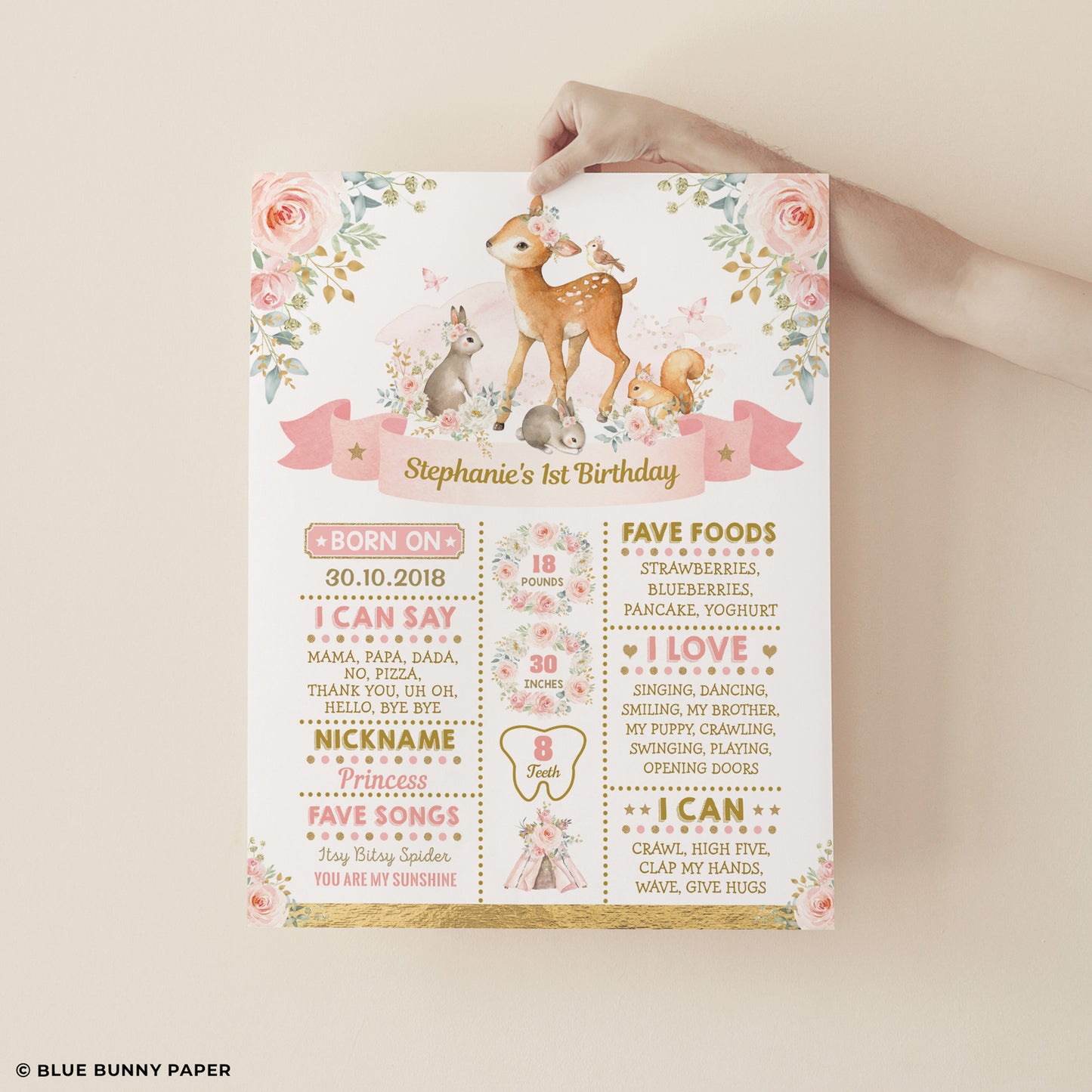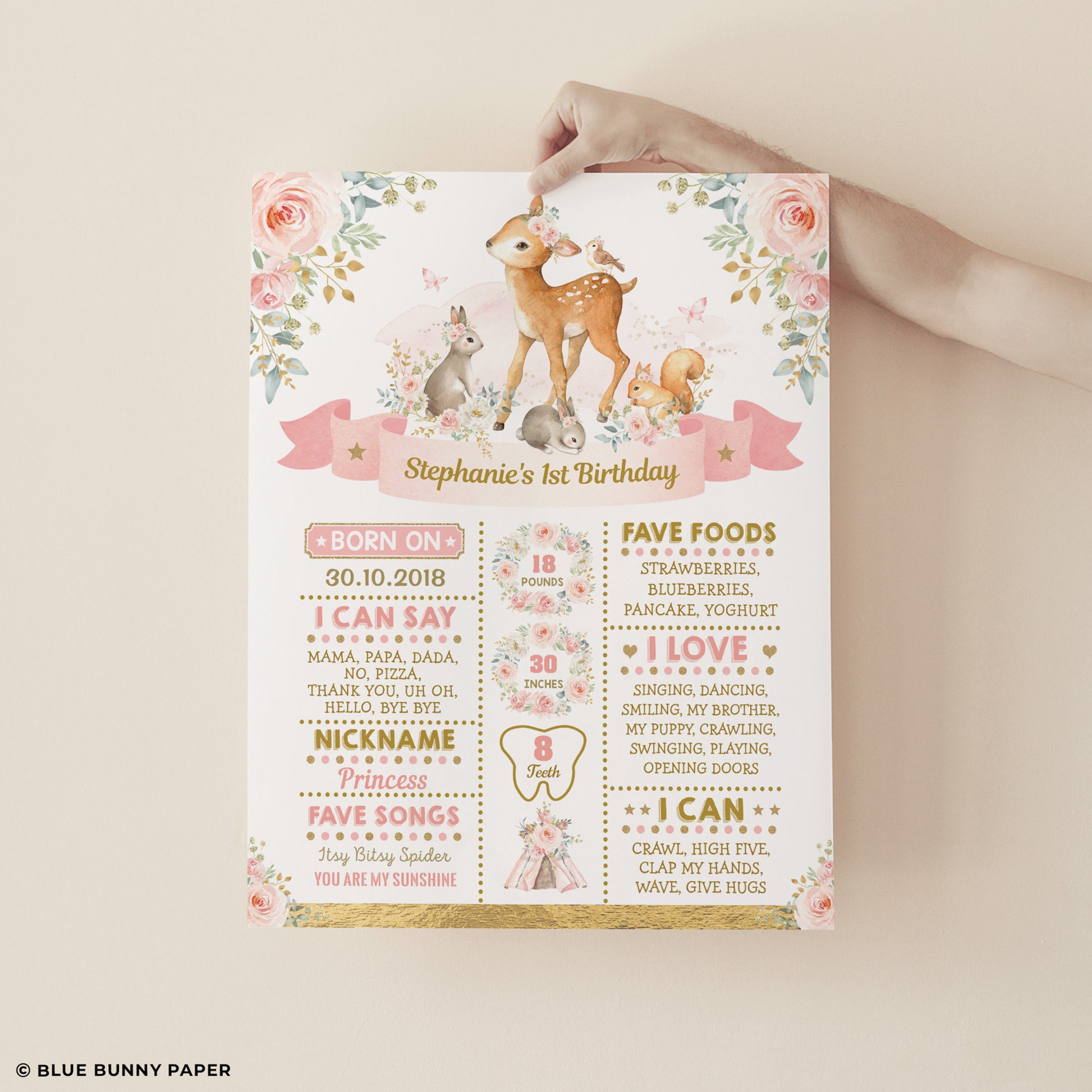
Watercolor Woodland First Birthday Milestone Poster
Watercolor Woodland First Birthday Milestone Poster
Couldn't load pickup availability
Size: 16x20 in · Files: JPEG, PDF · Editable in: Corjl
A first birthday milestone poster at 16 × 20 in — 40.6 × 50.8 cm — in the blush woodland design, with the details of the first year filled in by you in Corjl: name, birth date, weight, height and the milestones the poster asks for. Download it as a JPEG or PDF. Text is editable; you cannot re-size the poster or turn it landscape, and the artwork stays put.
What you get
- One 16 × 20 in editable milestone template
- JPEG and PDF downloads from Corjl
- One side only — this is a display poster, not a card
Filling it in
Edit the template on a desktop or laptop rather than a phone: the poster carries a lot of small fields, and a full keyboard with the layout on screen is what keeps the columns straight. Type the name, the birth date, the birth weight and height, and the milestones as they appear on the design, then download. Nothing is installed and no fonts are needed.
Your template stays open for 90 days, which comfortably covers a party that moves. If you come back to it later, contact us — we regularly extend access rather than asking you to buy it twice.
Printing 16 × 20 in
This is a poster, so print it through a poster or print shop at exactly 16 × 20 in on matte stock, and ask them not to scale the file. Frame it if you plan to hang it in the nursery, or mount it on foam board to stand at the party — mounting keeps the corners flat in party photos, and no frame or mount is included with the download.
Not included
- No printed poster, frame or easel
- No artwork changes and no size changes
Same design, same party
- ONEdeerful Birthday Invitation — matching invitation
- ONE - Photo Birthday Invitation — with a photo area
- Watercolor Woodland Favor Tag — for the thank-you bags
- The Watercolor Woodland family
Poster questions
How many details can I fill in?
As many as the design provides fields for — the first-year facts it already asks for. Adding new lines to the layout is a design change and is not part of the template.
Can I edit it on my phone?
It is a dense poster with small fields, so we recommend a computer. The template opens in a browser either way; a laptop just makes the typing and alignment far easier.
Will it print at 8 × 10 in instead?
The template is built at 16 × 20 in and the size is locked, so order the poster at 16 × 20 in. We cannot promise a clean smaller print from this file.
Share